
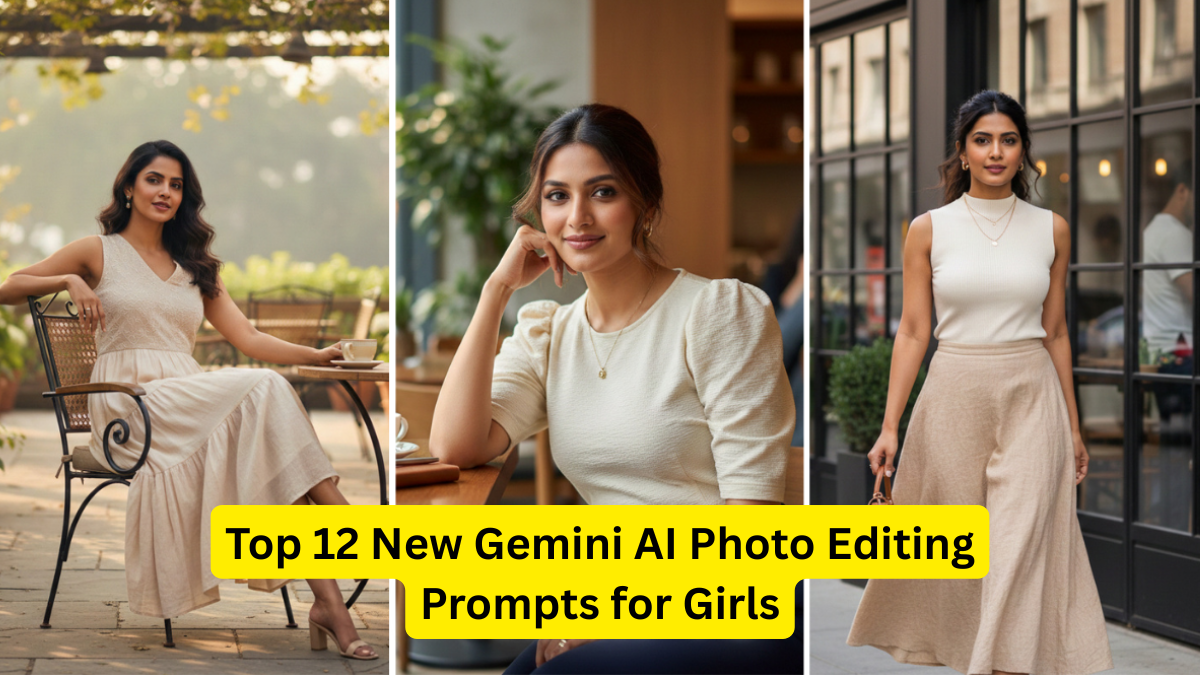
AI-powered photo editing has entered a new era with Gemini, Google’s advanced multimodal AI model designed to create, enhance, and transform images with stunning realism. Whether you are a content creator, influencer, photography lover, or someone who simply enjoys aesthetic edits, Gemini AI prompts can turn your selfies, portraits, and lifestyle photos into attention-grabbing visuals.
In this guide, we present the Top 12 New Gemini AI Photo Editing Prompts for Girls—carefully crafted to give you unique looks, aesthetic transformations, and eye-catching social media-ready results. These prompts are simple, powerful, and perfect for Instagram, Pinterest, YouTube thumbnails, travel content, and fashion shots.

To get started, simply copy, paste, and personalize these prompts in Gemini. Each prompt works well with selfies, mid-shot portraits, travel photos, and aesthetic photography.
Why Gemini AI is Trending for Photo Editing
Gemini AI has become a top choice for creators because:
- It understands natural language extremely well
- It blends realism with aesthetics
- It enhances skin tones without over-smoothing
- It can create professional-level edits instantly
- It supports artistic, fashion, and cinematic styles
- It is ideal for social media creators
From dreamy aesthetics to magazine-style portraits, Gemini AI photo editing prompts can help girls create standout images that look natural yet visually powerful.
How to Use Gemini AI Prompts

Using prompts in Gemini AI is simple:
- Upload your photo
- Paste the prompt
- Add a description of your outfit/look (optional)
- Choose the final output style
- Adjust lighting or colors if needed
Tip: Always mention key details like lighting, vibe, tone, and color palette for best results.
Top 12 New Gemini AI Photo Editing Prompts for Girls
Below is a table summarizing the top prompts, followed by detailed descriptions and ready-to-copy prompts.
Comparison Table: Best Gemini AI Photo Editing Prompts for Girls
| Prompt Theme | Style | Best For | Output Look |
|---|---|---|---|
| Soft Girl Aesthetic | Pastel, dreamy | Selfies, portraits | Smooth skin, pastel tones |
| Korean Ulzzang Glow | Clean beauty | Close-up shots | Sharp features, glass skin |
| Barbie Doll Glam | Pink, bold | Fashion shoots | glam makeup, vibrant colors |
| Vintage Y2K Edit | Retro aesthetic | Teen edits | Warm tones, soft grain |
| Cinematic Portrait | Film-style | Dramatic shots | Shadows, movie tone |
| Travel Blogger Look | Bright, crisp | Outdoor photos | Saturated natural colors |
| Studio Fashion Shot | Editorial | Full-body shots | High-end magazine finish |
| Angelic Heaven Glow | Heavenly | Soft selfies | White aura, glowing skin |
| Royal Princess Look | Luxury | Reels / profile photos | Elegant tone, jewelry shine |
| Neon Cyber Edit | Futuristic | Night shots | Neon lights, vibrant effects |
| Natural No-Makeup Edit | Minimal | Everyday photos | Pure skin tone, subtle light |
| Social Media Influencer Edit | Trendy | Instagram posts | Modern, sharp, stylish |
1. Soft Girl Aesthetic Glow Prompt
This aesthetic is trending among Instagram and Pinterest creators. It focuses on pastel tones, smooth lighting, and a dreamy feminine vibe.
Prompt to Use:
“Enhance my portrait with a soft girl aesthetic. Add pastel background tones, smooth warm lighting, baby-pink highlights, subtle blush, soft skin texture, gentle glow under the eyes, and dreamy feminine aesthetics. Keep it natural and cute.”
2. Korean Ulzzang Glass Skin Edit
The Korean Ulzzang style is all about flawless skin, light makeup, and a clean glow.
Prompt to Use:
“Create a Korean Ulzzang-style photo edit with natural skin details, soft lighting, glass skin glow, sharp jawline, smooth highlights, and minimal makeup. Keep the image clean, bright, and elegant.”
3. Barbie Doll Glam Pink Edit
Perfect for fashion shoots, party photos, or bold Instagram content.
Prompt to Use:
“Transform my photo into a Barbie doll-inspired glam edit. Add vibrant pink tones, glossy lips, soft curls effect, sparkly highlights, smooth doll-like skin, and a bright feminine background. Make it bold, glamorous, and eye-catching.”
4. Vintage Y2K Retro Aesthetic
This nostalgic early-2000s aesthetic is trending again for reels and Pinterest boards.
Prompt to Use:
“Apply a Y2K retro aesthetic to my photo. Add warm tones, soft pink overlays, tiny sparkles, glossy lips, vintage grain effect, and slightly faded lighting. Keep it girly, nostalgic, and aesthetic.”
5. Cinematic Portrait Edit
Ideal for dramatic and emotional portrait photography.
Prompt to Use:
“Edit my photo in a cinematic portrait style. Add film-grade contrast, soft shadows, rich warm color grading, shallow depth, and a dramatic moody tone. Maintain natural facial features with realistic texture.”
6. Travel Blogger Outdoor Look
A perfect prompt for girls who love travel content or want a Pinterest-style outdoor look.
Prompt to Use:
“Create a travel blogger aesthetic for my photo. Add bright sunny tones, enhanced sky colors, sharp but soft highlights, glowing sun-kissed skin, crisp background details, and vibrant natural shades.”
7. High-End Studio Fashion Shot
This produces a professional editorial look similar to fashion magazines.
Prompt to Use:
“Enhance my image into a high-end studio fashion portrait. Add studio lighting effects, smooth shadows, professional sharpness, beauty-retouch skin, bold colors, and editorial-style depth.”
8. Angelic Heaven Glow Edit
This style radiates purity, softness, and elegance.
Prompt to Use:
“Add an angelic glow aesthetic to my photo. Use soft white lighting, halo-like highlights, gentle skin glow, floating particles, and a heavenly dreamy effect. Keep it natural and elegant.”
9. Royal Princess Luxury Edit
A rich, regal aesthetic that adds elegance and high-class style.
Prompt to Use:
“Transform my portrait into a royal princess-style luxury edit. Add elegant lighting, polished skin glow, enhanced jewelry shine, soft curls effect, and a warm regal background. Make it classy and sophisticated.”
10. Neon Cyberpunk Night Edit
Best for nightlife photos or creative experiments.
Prompt to Use:
“Create a neon cyberpunk-style edit. Add glowing neon lights, purple-blue color tones, deep contrast, sharp details, reflective highlights, and a futuristic city vibe. Keep the face realistic and stylish.”
11. Natural No-Makeup Pure Edit
For girls who want a fresh and simple real-skin look.
Prompt to Use:
“Edit this image with a natural no-makeup aesthetic. Keep the skin texture real, enhance lighting softly, remove harsh shadows, balance colors, and give a clean, minimal, pure look.”
12. Influencer-Style Modern Edit
This is the most common style used by influencers on Instagram and YouTube thumbnails.
Prompt to Use:
“Enhance my portrait in a modern influencer aesthetic. Add sharp clarity, subtle glow, bright clean lighting, smooth but natural skin, color-balanced tones, and a stylish trendy finish.”
Tips to Get the Best Results from Gemini AI Photo Editing
1. Start with Good Lighting
Even AI struggles with dark images. Natural light or soft indoor light works best.
2. Upload High-Quality Photos
Clear images produce better enhancements.
3. Add Extra Details to Your Prompt
Example:
- Hair color
- Outfit
- Background preference
- Mood (cute, elegant, bold, minimal)
4. Try Multiple Variations
Gemini can produce several versions—pick the best.
5. Avoid Over-Editing
Ask Gemini to maintain natural textures for realistic results.
6. Use Color Palettes
Example:
“Use pastel pink tones and cream white highlights.”
Final Thoughts
Gemini AI has revolutionized how girls can edit their photos—whether for aesthetic content, travel shots, fashion portraits, or dreamy self-portraits. The 12 prompts above cover every trending style in 2025: from soft girl vibes to cinematic movies, from Y2K nostalgia to neon cyberpunk glow.
These Gemini AI photo editing prompts for girls are easy to copy, simple to use, and perfect for anyone who wants scroll-stopping images without spending hours editing manually.
Use them creatively, experiment with variations, and transform your photos into stunning visuals that stand out on every platform.