
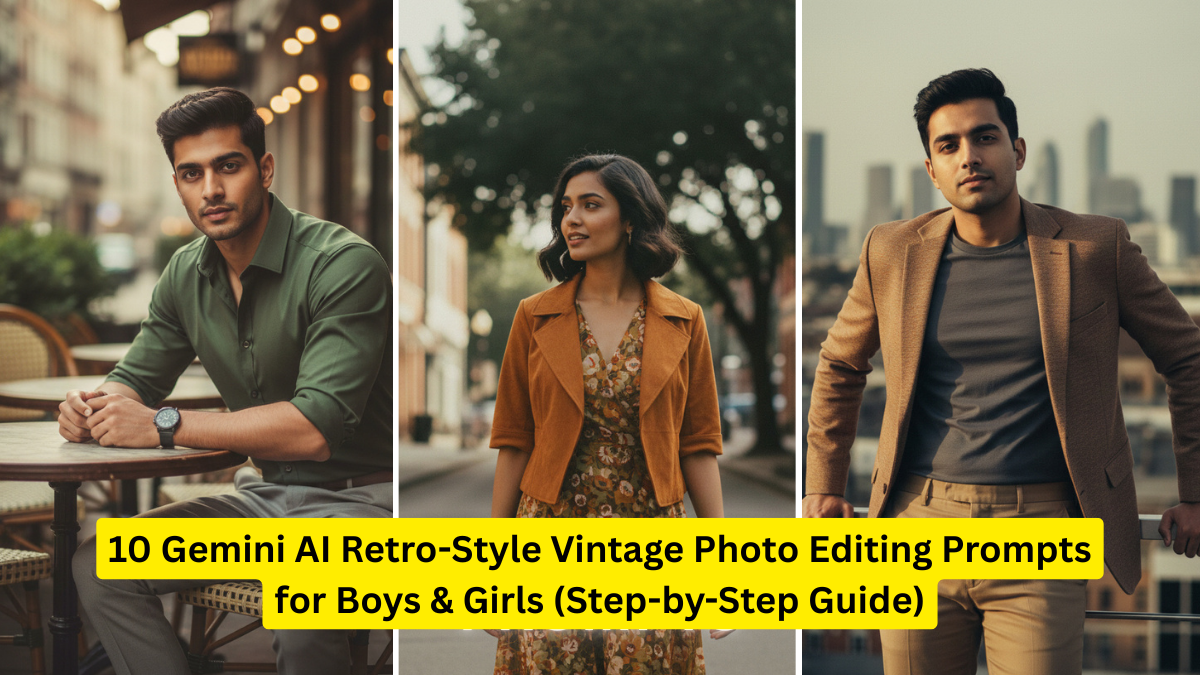
Retro-style photo editing is back in trend, and thanks to Gemini AI, creating stunning vintage photos has become easier than ever. Whether you want a nostalgic film look, ’90s Polaroid vibes, or classic sepia tones, Gemini AI can transform your pictures within seconds.
In this guide, you’ll find 10 powerful retro-themed prompts that work for both boys and girls. Along with that, you’ll get a step-by-step guide on how to use these prompts and a comparison table to help you pick the right aesthetic for your photo.

This article is written for beginners as well as creators who want to upgrade their editing style using the latest AI tools.
Why Vintage & Retro Photo Editing Is Trending?
Vintage photos have an emotional feel and a storytelling touch that modern filters often lack. This trend is especially popular among:
- Instagram content creators
- Fashion photographers
- Travel influencers
- Portrait photographers
- Teenagers who love aesthetic pictures
Retro edits add personality, mood, and a timeless charm to your photos. With Gemini AI, you can recreate the magic of old cameras like Kodak, Polaroid, Fujifilm, and vintage camcorders.
How to Use Gemini AI for Retro Photo Editing (Step-by-Step Guide)
Follow these simple steps:
Step 1: Choose a Clear Photo
Select a good-quality portrait or full-body image. Gemini works best with high-resolution pictures.
Step 2: Open Gemini AI Image Generator / Editor
Google Gemini has built-in image editing and generative capabilities.
Step 3: Paste the Prompt

Copy one of the retro prompts given below.
Step 4: Describe Gender (Optional)
You can specify “boy”, “girl”, “teen boy”, “young woman”, etc., to customize the style.
Step 5: Adjust Additional Details
You can modify:
- Lighting
- Levels of grain
- Color saturation
- Frame or border
Step 6: Download the Edited Photo
Save the final output in JPEG or PNG for best clarity.
10 Best Gemini AI Retro-Style Vintage Photo Editing Prompts for Boys & Girls
Below are unique, highly effective prompts you can paste directly into Gemini AI.
1. Classic 1980s Film Camera Look
Prompt:
A retro 1980s film-style portrait of a boy/girl, soft grain, warm tones, slightly faded colors, gentle highlights, analog camera blur, low contrast, vintage film texture, natural expression, cinematic mood.
This gives your photo an authentic film texture similar to Kodak Gold.
2. 1990s Polaroid Aesthetic
Prompt:
1990s Polaroid-style photo of a boy/girl, white Polaroid border, vibrant but soft colors, natural daylight effect, nostalgic tone, smooth grain, instant camera feel, candid pose.
Perfect for Instagram posts.
3. Retro Brown & Sepia Toned Portrait
Prompt:
Sepia vintage portrait of a boy/girl, warm brown tones, subtle scratches, antique look, classic shading, old-photo ambiance, soft glow, depth-filled retro look.
Ideal for dramatic portraits.
4. Old Newspaper Black & White Style
Prompt:
Black-and-white vintage newspaper-style image of a boy/girl, high grain, matte finish, slightly textured paper effect, sharp contrast, old print vibe, serious pose.
Great for creative storytelling photos.
5. Soft Pastel Retro Dream Look
Prompt:
Pastel retro aesthetic portrait of a boy/girl, soft pink and blue hues, dreamy glow, slightly blurred edges, low grain, vintage daylight mood, gentle highlights.
Works best for cute, aesthetic portraits.
6. Vintage Street Photography Look
Prompt:
Retro street-style portrait of a boy/girl, muted tones, classic urban background, analog grain, slight motion blur, 1980s street film style, raw mood, natural lighting.
A favourite among travel photographers.
7. Retro VHS Camcorder Effect
Prompt:
VHS retro video-style image of a boy/girl, timestamp on corner, horizontal lines, low clarity, old tape texture, faded colors, 1990s camcorder feel, nostalgic aesthetic.
Ideal for TikTok thumbnails or reels.
8. Vintage Glamour Studio Portrait
Prompt:
Vintage glamour-style studio portrait of a boy/girl, soft glowing lights, slight vignette, creamy skin tone, cinematic shadows, elegant retro vibe, classic Hollywood lighting.
Perfect for fashion-style portraits.
9. Grainy Old School Yearbook Photo
Prompt:
Retro yearbook-style portrait of a boy/girl, neutral tones, matte texture, medium grain, slightly misaligned print, soft blur, school-yearbook nostalgia.
Fun for recreating old-school memories.
10. Faded 1970s Film Look
Prompt:
1970s faded film-style portrait of a boy/girl, warm-orange highlights, muted greens, soft grain, dusty texture, vintage softness, timeless retro atmosphere.
Perfect for both outdoor and indoor portraits.
Comparison Table: Retro Photo Styles & Best Use Cases
| Retro Style | Best For | Key Features | Difficulty Level |
|---|---|---|---|
| 1980s Film Look | Portraits, travel | Faded colors, warm tones, grain | Easy |
| 1990s Polaroid | Aesthetic posts | Polaroid frame, soft colors | Very Easy |
| Sepia Portrait | Professional shots | Antique brown tones | Easy |
| B&W Newspaper Style | Editorial images | Strong contrast, grain | Medium |
| Pastel Dream Look | Instagram aesthetics | Pastel tones, soft blur | Easy |
| Vintage Street Style | Travel & street | Urban background, analog effect | Medium |
| VHS Camcorder Effect | Reels, TikTok | Tape lines, timestamp | Easy |
| Retro Glamour Portrait | Fashion photos | Soft glow, Hollywood lighting | Medium |
| Yearbook Photo | Fun edits | Matte texture, grain | Very Easy |
| 1970s Faded Film | Outdoor & indoor | Warm highlights, dusty look | Easy |
Tips to Make Your Retro AI Photos Look More Realistic
✔ Add a Film Grain Overlay
A small amount of noise increases authenticity.
✔ Slight Blur Creates a Natural Retro Feel
Old cameras were not ultra sharp.
✔ Lower Saturation for a Softer Mood
Most vintage photos were naturally muted.
✔ Add a Frame
Instant Polaroid frames look especially good.
✔ Stick to Warm Light
Retro photos used warmer bulbs and natural light.
Why Gemini AI Works Best for Retro Editing
Gemini AI understands:
- Color tone preferences
- Facial expressions
- Vintage filters
- Creative styles
- Texture simulation
Unlike other apps, it can generate highly detailed textures that replicate true film photography.
Final Thoughts
Retro-style editing is one of the easiest ways to make your photos stand out. With these 10 Gemini AI prompts, you can instantly bring nostalgic charm to both boys’ and girls’ photos without needing professional editing tools.
Whether you want VHS vibes, Polaroid nostalgia, or classic film looks, Gemini AI delivers impressive results in just a few seconds.
Try different combinations, customize the prompts, and create your own unique retro identity.