
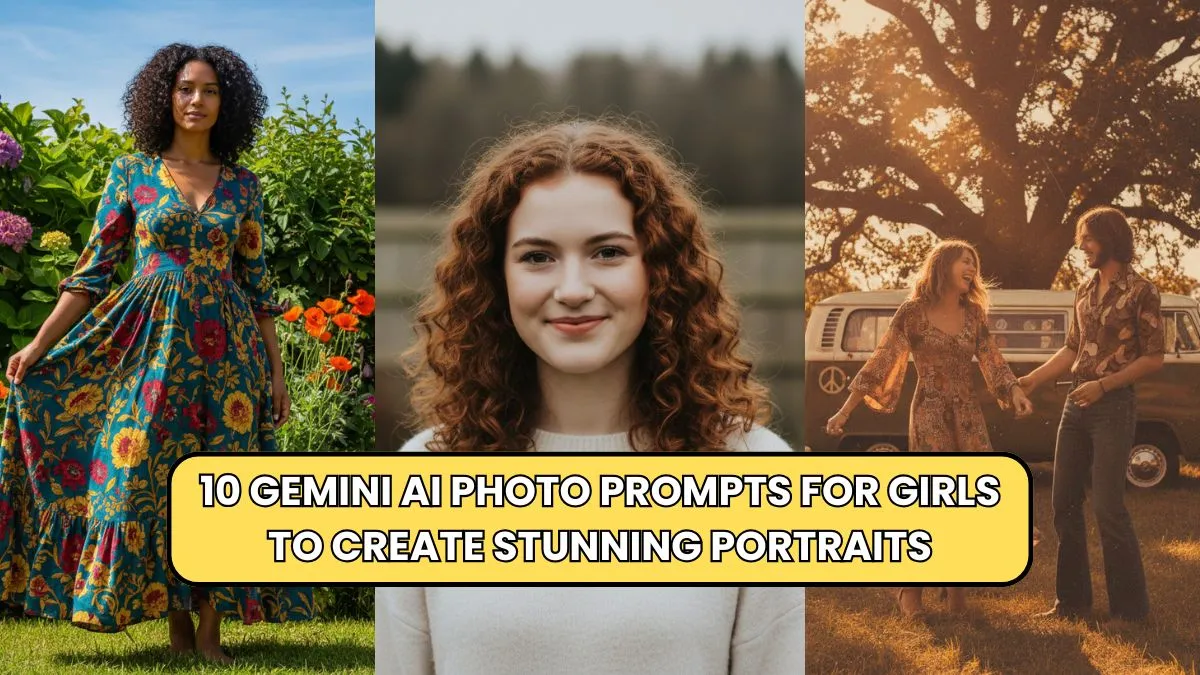
Creating eye-catching portraits has never been easier thanks to Gemini AI. For girls looking to enhance their photos with creative flair, Gemini AI provides an intuitive way to transform ordinary selfies into stunning visuals. By using the right prompts, you can direct the AI to adjust lighting, color tones, backgrounds, and even facial expressions to achieve a professional look.
Whether you aim for a soft dreamy style, a bold vibrant effect, or a nostalgic retro feel, Gemini AI adapts to your vision. These 10 Gemini AI photo prompts for girls are designed to unlock your creative potential while saving time on manual editing.
With consistent use, your social media feeds, personal portfolios, and creative projects can stand out effortlessly. This article highlights practical, actionable prompts to maximize your portrait impact while keeping your photos trendy and unique.
Why Gemini AI Is Perfect for Portrait Photography
Gemini AI’s advanced algorithms understand facial features, skin tones, and lighting nuances, making it ideal for girls seeking flawless portraits. Unlike generic photo editors, Gemini AI interprets prompts in a way that preserves natural beauty while enhancing the overall aesthetic. You can experiment with creative angles, artistic filters, and stylized backgrounds without losing authenticity.
Additionally, Gemini AI allows for iterative adjustments, meaning you can refine results until the image matches your exact vision. Its versatility covers casual selfies, professional headshots, and artistic photoshoots, making it an indispensable tool for beginners and experienced photographers alike.
By integrating AI-driven creativity with personal style, girls can produce stunning portraits that are ready for social media, personal branding, or creative projects, all while using a few simple prompts.
Top 10 Gemini AI Photo Prompts for Girls
1. Soft Natural Glow
Prompt: “Apply a soft natural glow to enhance skin tones with sunlight highlights.”
This prompt adds warmth and brightness to portraits, giving them a natural and flattering look. It emphasizes soft lighting while keeping features defined. Ideal for outdoor selfies or morning light photos.
2. Vibrant Color Pop
Prompt: “Boost colors subtly to make clothing and backgrounds stand out without overpowering skin tones.”
Use this for lively, high-energy portraits. It maintains balance, ensuring that vibrant elements don’t clash with natural skin tones, perfect for casual lifestyle shots.
3. Moody Artistic Shadows
Prompt: “Introduce soft moody shadows for a cinematic effect.”
This creates depth and drama, giving portraits an editorial feel. It’s perfect for evening shots, creative projects, or any portrait where storytelling is key.
4. Retro Vintage Effect
Prompt: “Apply a retro 70s-inspired filter with warm tones and slight grain.”
A nostalgic aesthetic that transforms modern photos into timeless visuals. Ideal for artistic social media posts or themed photo shoots.
5. Minimalistic Background Blur
Prompt: “Blur the background subtly to highlight the subject and remove distractions.”
This keeps attention on the subject while adding a professional, shallow-focus effect reminiscent of DSLR portraits.
6. Ethereal Fantasy Look
Prompt: “Add a soft ethereal glow with pastel highlights for a dreamy fantasy vibe.”
Perfect for creative projects, cosplay, or stylized portraits. The soft lighting and pastel palette create a magical and whimsical mood.
7. High-Definition Detail Enhancement
Prompt: “Enhance facial details, hair texture, and eyes while keeping skin smooth.”
Great for close-ups and professional portraits. The AI ensures clarity and sharpness without looking over-edited.
8. Golden Hour Magic
Prompt: “Simulate golden hour lighting with warm shadows and gentle sun flares.”
This gives a romantic and soft ambiance even when photos aren’t taken at actual golden hour. Ideal for outdoor lifestyle shots.
9. Soft Black and White Elegance
Prompt: “Convert to soft black and white with high contrast highlights.”
For timeless elegance, this prompt turns regular portraits into classic monochrome images with depth and mood.
10. Playful Pop Art Style
Prompt: “Apply pop art inspired colors and outlines for a fun, creative effect.”
This adds vibrancy and style, perfect for creative Instagram content or experimental photo projects.
Gemini AI Prompt Table: Quick Reference
| Prompt Name | Key Effect | Best For |
|---|---|---|
| Soft Natural Glow | Warm, flattering lighting | Morning selfies, outdoor shots |
| Vibrant Color Pop | Boosted colors without overpowering | Lively lifestyle shots |
| Moody Artistic Shadows | Dramatic depth and shadows | Evening shots, creative edits |
| Retro Vintage Effect | Nostalgic warm tones, slight grain | Themed shoots, social media |
| Minimalistic Background Blur | Highlight subject, blurred background | Portraits, professional shots |
| Ethereal Fantasy Look | Pastel highlights, soft glow | Cosplay, creative portraits |
| High-Definition Detail | Sharpen eyes, hair, facial features | Close-ups, headshots |
| Golden Hour Magic | Warm sun flares, soft shadows | Outdoor lifestyle photos |
| Soft Black and White | Monochrome elegance, high contrast | Timeless portraits |
| Playful Pop Art Style | Vibrant colors, creative outlines | Social media, experimental art |
Tips for Maximizing Gemini AI Prompts
- Start with Clear Descriptions: The more specific your prompt, the better the AI understands your vision. Include lighting, mood, and color preferences.
- Experiment Iteratively: Adjust prompts slightly to explore variations. Gemini AI allows multiple attempts to find the perfect look.
- Balance Effects: Avoid over-processing. Subtle enhancements often look more professional than exaggerated edits.
- Combine Prompts: You can layer effects, like adding golden hour lighting to a retro filter for unique results.
- Use High-Quality Source Images: The AI performs best with high-resolution images for sharp, polished portraits.
Popular Settings for Gemini AI
| Setting | Effect on Portraits | Suggested Use |
|---|---|---|
| Detail Enhancement | Sharpens features and textures | Close-ups, professional headshots |
| Glow & Light Adjustment | Adds warmth and subtle highlights | Outdoor, soft-lit portraits |
| Background Manipulation | Blurs or changes scenery | Focused subject portraits |
| Artistic Filters | Retro, fantasy, or pop-art effects | Thematic creative shoots |
| Color Saturation & Contrast | Adjusts vibrancy without skin distortion | Lifestyle, colorful compositions |
Conclusion
Using these 10 Gemini AI photo prompts for girls, you can effortlessly transform everyday selfies into stunning portraits that stand out on social media, personal portfolios, or creative projects. By experimenting with lighting, color, and style through specific prompts, every girl can express her individuality while maintaining professional-quality visuals.
Gemini AI offers unmatched flexibility, enabling both beginners and experienced editors to produce polished, eye-catching results. By consistently applying these prompts and tips, your portraits will not only look vibrant and creative but also maintain authenticity and elegance.
Whether you are aiming for a dreamy fantasy look, a bold pop art style, or timeless monochrome elegance, Gemini AI ensures your images are always on-trend and visually striking.