


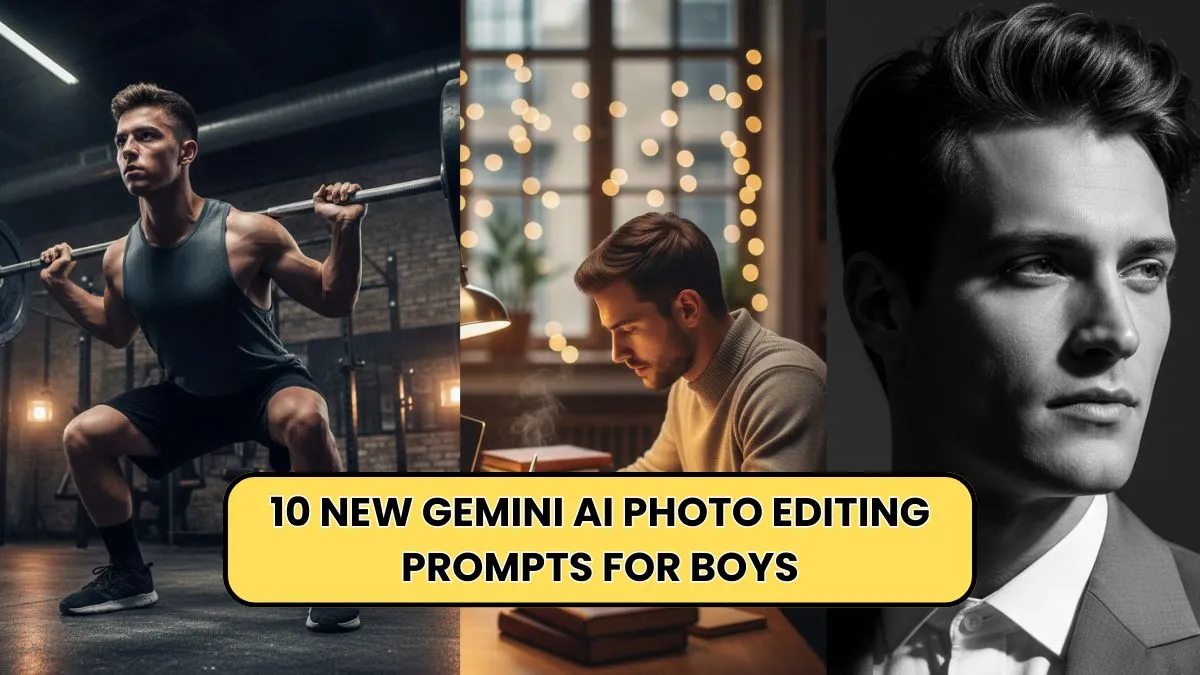
AI photo editing has reached a whole new level with Google’s Gemini, offering boys an easy way to enhance selfies, travel photos, portraits, and creative shots without needing professional editing skills. Whether you’re a teen who loves posting on Instagram, a gamer who wants cool profile pics, or a creator looking for eye-catching visuals, these Gemini AI prompts can instantly transform your photos into clean, stylish, and aesthetic visuals.
This guide covers the 10 newest Gemini AI photo editing prompts crafted specifically for boys, focused on style, confidence, creativity, and personality—without overediting or making photos look unrealistic. You’ll also find a table for quick comparison, plus detailed instructions on how to use each prompt effectively.
Why Use Gemini AI for Photo Editing?


Gemini AI stands out because it can recognize human features naturally without distorting skin tones, facial structure, or body proportions. For teenagers and young adults, this is important — you want sharp, clean photos that still look like you, not heavily filtered or artificial.
Benefits of using Gemini AI for boys
- Smooth skin without losing natural texture
- Enhance outfits and colors
- Create creative backgrounds
- Improve lighting and shadows
- Perfect for profile pictures, reels, thumbnails, and DP
- Fast, clean, and aesthetic edits
Let’s dive into the latest prompts specially made for boys in 2025!
10 New Gemini AI Photo Editing Prompts for Boys
Below are 10 high-quality, ready-to-use prompts. Simply copy and paste them into Gemini, upload your photo, and let the AI work its magic.
1. Clean Aesthetic Urban Boy Look

Prompt:
“Enhance this photo into a clean and modern urban aesthetic. Improve lighting, sharpen facial features naturally, brighten the eyes slightly, enhance jawline subtly, and add a soft street-style background blur. Keep skin tone natural and avoid over-editing.”
Best for:
Boys who want a smart, stylish Instagram look.
2. Gaming Profile Picture Edit
Prompt:
“Create a high-contrast gaming-style profile photo. Add soft neon glow around the subject, enhance sharpness, boost dynamic lighting, and make the background dark with blue-purple neon accents. Keep the face natural and crisp.”
Best for:
Gamers, streamers, and online profile pics.
3. Fitness & Athlete Look
Prompt:
“Enhance this photo with a sporty and energetic aesthetic. Add firm lighting, improve clarity, highlight muscle definition naturally, increase contrast, and create a clean gym-inspired background. No unrealistic body edits.”
Best for:
Boys who post gym progress or fitness content.
4. School / College Boy Casual Edit
Prompt:
“Make this look like a clean college-boy portrait. Improve lighting, soften background blur, enhance outfit colors, sharpen hair texture, and keep the face realistic with natural brightness.”
Best for:
WhatsApp DP, Instagram stories, profile photos.
5. Model-Style Portrait Retouch
Prompt:
“Create a soft, high-fashion portrait edit. Add soft lighting, improve skin clarity without removing texture, tone colors professionally, enhance hairstyle details, and add a minimal blurred studio background.”
Best for:
Boys who want a premium photoshoot-like edit.
6. Travel Adventure Boy Edit
Prompt:
“Transform this into a travel-aesthetic photo. Enhance sky, improve landscape colors, brighten face naturally, add outdoor freshness effect, and adjust shadows for a cinematic feel.”
Best for:
Travel bloggers, adventure lovers, outdoor pics.
7. Futuristic Tech Look
Prompt:
“Convert this into a futuristic cyberpunk-style edit. Add subtle neon lighting, soft reflection effects, adjust contrast, enhance sharpness, and create a tech-inspired background with glowing lines.”
Best for:
Tech lovers, AI-inspired content.
8. Professional LinkedIn-Style Headshot
Prompt:
“Edit this into a clean professional headshot. Improve lighting evenly, sharpen details, smooth skin naturally, enhance the shirt/jacket, and use a soft corporate background. Keep everything natural and real.”
Best for:
Teens preparing portfolios, resumes, or competitions.
9. Stylish Streetwear Boy Edit
Prompt:
“Enhance this photo with a fashion-forward streetwear aesthetic. Improve color grading, enhance outfit textures, sharpen edges, add warm tones, and keep a blurred street-style background.”
Best for:
Boys who love posting outfits.
10. Cinematic Portrait for Reels & Thumbnails
Prompt:
“Make this a cinematic portrait with bold shadows, soft highlights, and film-style color grading. Add background depth, increase facial clarity, and keep the expression natural.”
Best for:
Reels, YouTube thumbnails, dramatic profile pics.
Comparison Table: 10 Gemini AI Editing Prompts for Boys
Below is a simple and helpful table summarizing each prompt and its best use.
| Prompt Name | Editing Style | Best For |
|---|---|---|
| Clean Urban Boy Look | Clean, bright, sharp | Instagram photos |
| Gaming PFP Edit | Neon, contrast, glow | Gamers, streamers |
| Fitness Athlete Edit | Sharp, strong lighting | Gym posts |
| College Boy Casual | Natural, soft, light | DP & profile pics |
| Model Portrait Retouch | Studio-grade soft edit | Fashion-style posts |
| Travel Adventure Edit | Cinematic outdoor colors | Travel content |
| Futuristic Tech Look | Cyberpunk neon | Tech lovers |
| Professional Headshot | Clean, corporate | LinkedIn, portfolio |
| Streetwear Aesthetic | Warm tones, outfit focus | Fashion outfits |
| Cinematic Portrait | Film look, dramatic shadows | Reels & thumbnails |
How to Use Gemini AI Prompts Effectively
Even with perfect prompts, you’ll get the best results when you follow these tips:
1. Use a clear photo
Good lighting = better output.
2. Keep your face visible
AI needs clarity to maintain natural features.
3. Avoid cluttered backgrounds
Helps Gemini apply edits more accurately.
4. Don’t overuse filters
These prompts already give clean results.
5. Use different prompts for different needs
Gaming → neon
Travel → cinematic
Profile pic → natural & clean
Extra: Copy-Paste Universal Prompt for Boys
Use this when you want a general upgrade:
“Enhance this photo naturally by improving lighting, sharpness, skin clarity, and background quality without altering my facial features. Keep the edit realistic, clean, and well-balanced.”
Conclusion
Gemini AI makes photo editing extremely easy, especially for boys who want stylish, modern, and aesthetic photos for Instagram, gaming profiles, reels, YouTube thumbnails, or professional use. These 10 new prompts give you everything — from clean aesthetic edits to cinematic looks — while keeping your natural appearance intact.
Whether you prefer a simple DP edit or a creative futuristic style, Gemini AI has the power to transform your photos in seconds. Just copy any prompt, upload your picture, and enjoy top-tier edits without needing expensive apps or professional tools.