


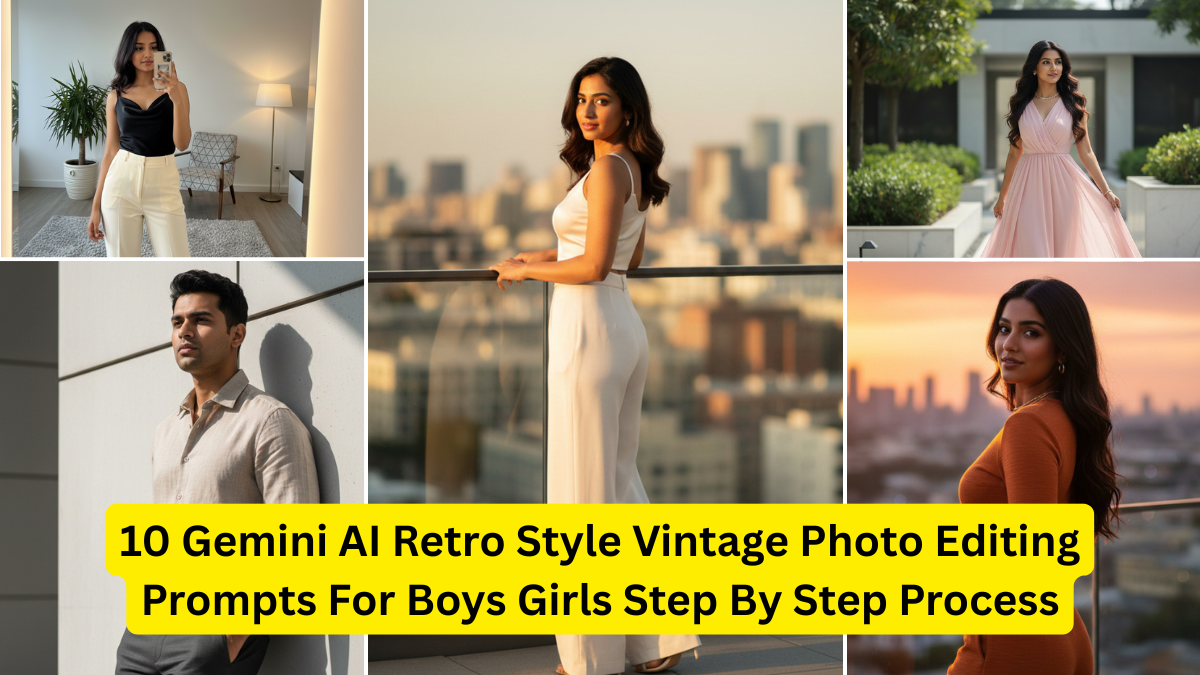
Artificial intelligence has unlocked a new world of creativity, especially in photo editing. Among the most powerful tools today is Gemini AI, which makes it easy to create retro-style vintage photos with just a single prompt. Whether you want a nostalgic 80s look, filmgrain aesthetic, polaroid vibe, or classic retro portrait, Gemini AI can generate stunning results for both boys and girls in seconds.
In today’s digital era, retro photography is back in trend—popular among Instagram creators, fashion bloggers, photographers, and common users who want unique, old-school memories. If you’re searching for the best Gemini AI prompts for vintage editing, you’re in the right place.


This detailed guide covers:
- What makes retro photography unique
- Step-by-step process to use Gemini AI for vintage editing
- 10 powerful AI prompts for boys and girls
- Tips for enhancing your retro results
- A comparison table of all 10 prompts
Let’s begin!
What Is Retro-Style Vintage Photo Editing?
Retro editing recreates the look and feel of old photographs from the 70s, 80s, and 90s. It uses effects like:
- Soft film grain
- Faded colors
- Warm tones
- Light leaks
- Low contrast
- Old camera textures
- Scratches and dust
- Polaroid borders
These effects create a nostalgic, timeless, emotional appeal—something modern HD photos cannot replicate.
Gemini AI combines these effects automatically through text prompts, giving users full control over style, color tone, era, and mood.
Why Use Gemini AI for Retro Editing?
Gemini AI is ideal for vintage photo creation because:
- You can generate unique styles by just describing them.
- No editing skills or software required.
- Works for boys, girls, couples, or group photos.
- Offers customizable filters and lighting.
- Produces aesthetic social media-ready results.
Whether you’re a beginner or a professional creator, Gemini makes retro editing extremely simple.
Step-by-Step Process: How to Create Retro Vintage Photos Using Gemini AI
Follow this simple process to generate perfect vintage edits:
Step 1: Open Gemini AI
Visit Gemini AI on your browser or mobile app.
Choose Image Generation mode.
Step 2: Upload Your Photo (Optional)
If you want your own picture edited, upload it.
Otherwise, Gemini will generate a new portrait based on the prompt.
Step 3: Enter a Retro Style Prompt
Type or paste any of the 10 prompts given in this article.
Make sure to add details like:
- Age
- Gender
- Style
- Mood
- Era (70s, 80s, 90s)
- Camera look (Polaroid, Film, VHS, Kodak, Fujifilm)
Step 4: Choose Output Style
Select resolution or aspect ratio:
- 1:1 (Instagram)
- 4:5 (Portrait)
- 16:9 (Wallpaper)
Step 5: Generate Image
Click Create
Gemini will produce the final vintage photo in seconds.
Step 6: Save & Enhance
Download the image and apply optional filters like:
- Extra noise
- Higher grain
- Retro frames
- Soft glow
10 Gemini AI Retro Style Vintage Photo Prompts for Boys & Girls
Below are the best performing prompts for authentic retro effects.
Use them directly in Gemini AI for instant results.
1. 80s Retro Film Portrait – Warm & Grainy Look (For Boys/Girls)
Prompt:
“Create a 1980s retro film portrait of a [boy/girl], soft warm tones, heavy film grain, vintage Kodak camera look, faded shadows, natural expression, light leaks on edges, analog photography style.”
Best For:
Old film camera look, nostalgic portraits.
2. Polaroid Aesthetic Vintage Prompt (Boys & Girls)
Prompt:
“Polaroid vintage portrait of a [boy/girl], soft pastel tones, slightly washed colors, date stamp on bottom, natural outdoor lighting, mild scratches, classic polaroid frame.”
Best For:
Cute retro photos perfect for Instagram stories.
3. 90s Street Style Retro Edit (For Boys)
Prompt:
“90s urban street style portrait of a teenage boy, denim jacket, high-contrast vintage tone, film dust, slight vignette, grunge aesthetic, realistic retro camera texture.”
Best For:
Cool, rugged retro looks for boys.
4. 70s Classic Vintage Glamour (For Girls)
Prompt:
“1970s retro glamour portrait of a girl, golden warm glow, soft blur around edges, subtle freckles, analog film grain, retro hairstyle, aesthetic vintage studio lighting.”
Best For:
Classic retro beauty shots.
5. VHS Tape Style Old Video Look (Boys & Girls)
Prompt:
“VHS retro portrait of a [boy/girl], horizontal scanlines, slightly blurred edges, 90s videotape texture, timestamp, low saturation, nostalgic home video style.”
Best For:
Old video diary or documentary feel.
6. Grunge Retro Portrait with Film Dust (For Boys)
Prompt:
“Vintage grunge portrait of a boy, dark tones, deep grain texture, scratched film overlay, rugged mood, muted colors, retro 90s alternative rock style.”
Best For:
Moody, artistic retro edits.
7. Soft Romantic Vintage Portrait (For Girls)
Prompt:
“Soft romantic retro portrait of a girl, pastel tones, dreamy vintage glow, light bokeh, soft lenses effect, faded highlights, classic film grain aesthetic.”
Best For:
Elegant retro selfies and feminine portraits.
8. Retro Travel Postcard Style Portrait
Prompt:
“Retro travel postcard style portrait of a [boy/girl], vintage colors, washed blue sky, worn postcard texture, warm sunlight, classic border design.”
Best For:
Travel memories, outdoor portraits.
9. Old Newspaper Vintage Edit (Boys & Girls)
Prompt:
“Black and white old newspaper vintage portrait of a [boy/girl], grainy texture, rough contrast, retro printing dots, 80s journalism style, serious expression.”
Best For:
Editorial retro aesthetics.
10. Retro Cinematic Movie Still (For Both Boys & Girls)
Prompt:
“Retro cinematic movie still of a [boy/girl], 1980s film style, cinematic lighting, soft film grain, dramatic color grading, subtle light leaks, nostalgic movie aesthetic.”
Best For:
Epic retro scenes with dramatic lighting.
Comparison Table: All 10 Gemini AI Vintage Prompts
| Prompt Number | Style Theme | Best For | Effects Used |
|---|---|---|---|
| 1 | 80s Retro Film Look | Boys/Girls Portraits | Grain, warm tones, light leaks |
| 2 | Polaroid Aesthetic | Instagram Photos | Pastel colors, polaroid frame |
| 3 | 90s Street Style | Boys | Grunge, high contrast |
| 4 | 70s Retro Glamour | Girls | Warm glow, soft blur |
| 5 | VHS Tape Look | Boys/Girls | Scanlines, low saturation |
| 6 | Grunge Film Dust | Boys | Scratches, dark tones |
| 7 | Soft Romantic Vintage | Girls | Dreamy glow, pastel tones |
| 8 | Retro Postcard | Travel Portraits | Vintage borders, sunlight |
| 9 | Old Newspaper Style | Editorial Photos | B/W, printing dots |
| 10 | Cinematic Retro | Movie Still Effects | Dramatic lighting, film grain |
Tips for Getting the Best Retro Results in Gemini AI
To enhance your output:
✔ Add clothing details
Example: “Denim jacket,” “floral dress,” “oversized sweater.”
✔ Mention lighting style
Retro depends heavily on lighting such as:
- “Golden hour sunlight”
- “Soft studio glow”
- “Harsh neon 80s lighting”
✔ Use era-specific keywords
Such as:
- 70s vintage
- 80s film camera
- 90s VHS style
- Polaroid frame
✔ Add texture preferences
Film grain, dust, scratches, vintage borders, noise, blur.
✔ Keep expressions natural
Retro photography looks best with:
- Soft smile
- Candid pose
- Neutral expression
Conclusion
Gemini AI makes retro-style vintage photo editing incredibly easy. Whether you prefer the charm of 70s glamour, rugged 90s street aesthetics, soft dreamy portraits, or old VHS tape looks, these 10 prompts will help you create stunning results instantly.
Just copy the prompts, paste them into Gemini AI, adjust your settings, and enjoy professional-quality retro photography in seconds.